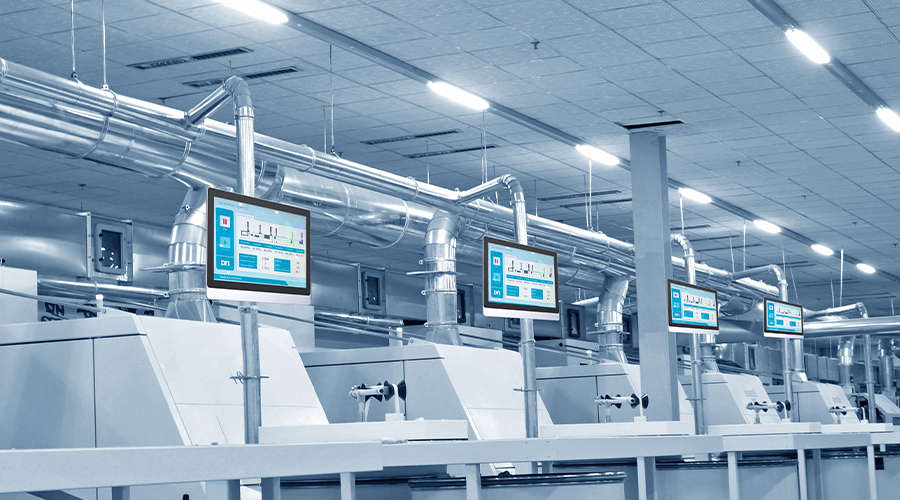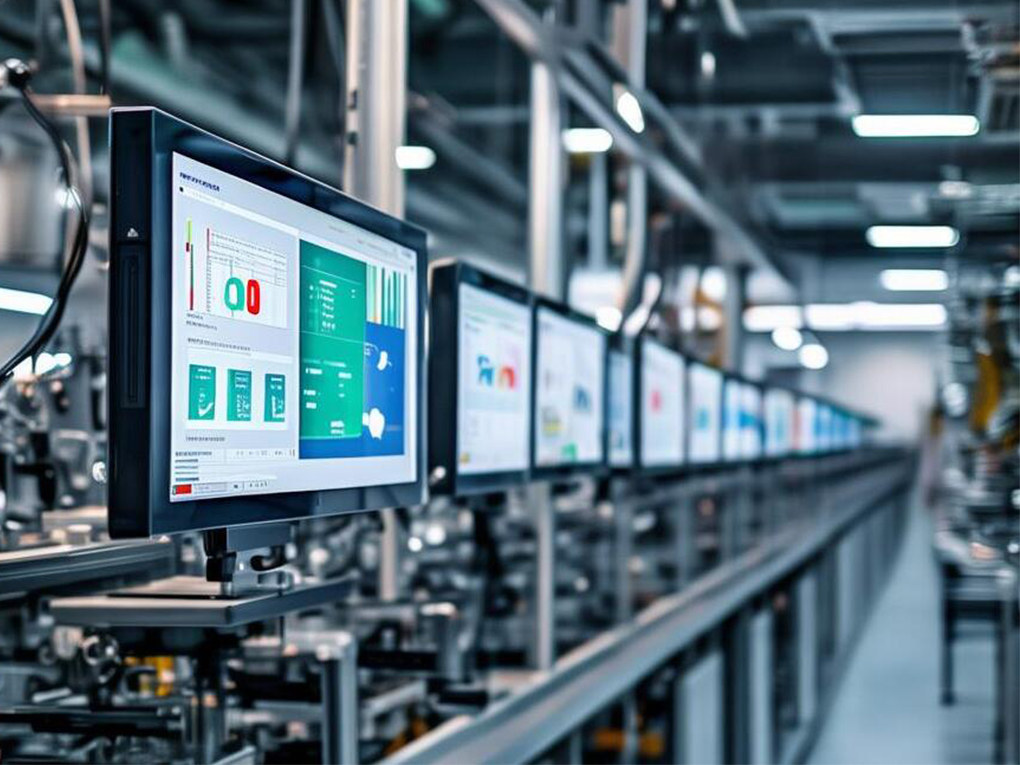
Industrial displays are used in various complex environments, sometimes facing high-temperature workshops, and sometimes working in cold storage or low-temperature outdoor environments. Temperature has a significant impact on industrial displays; too much heat can cause screen malfunctions and crashes, while too much cold can lead to sluggish response, and in severe cases, even damage the screen. So, what problems can high and low temperatures cause for industrial displays? Are there any ways to avoid them? Let’s discuss this today.
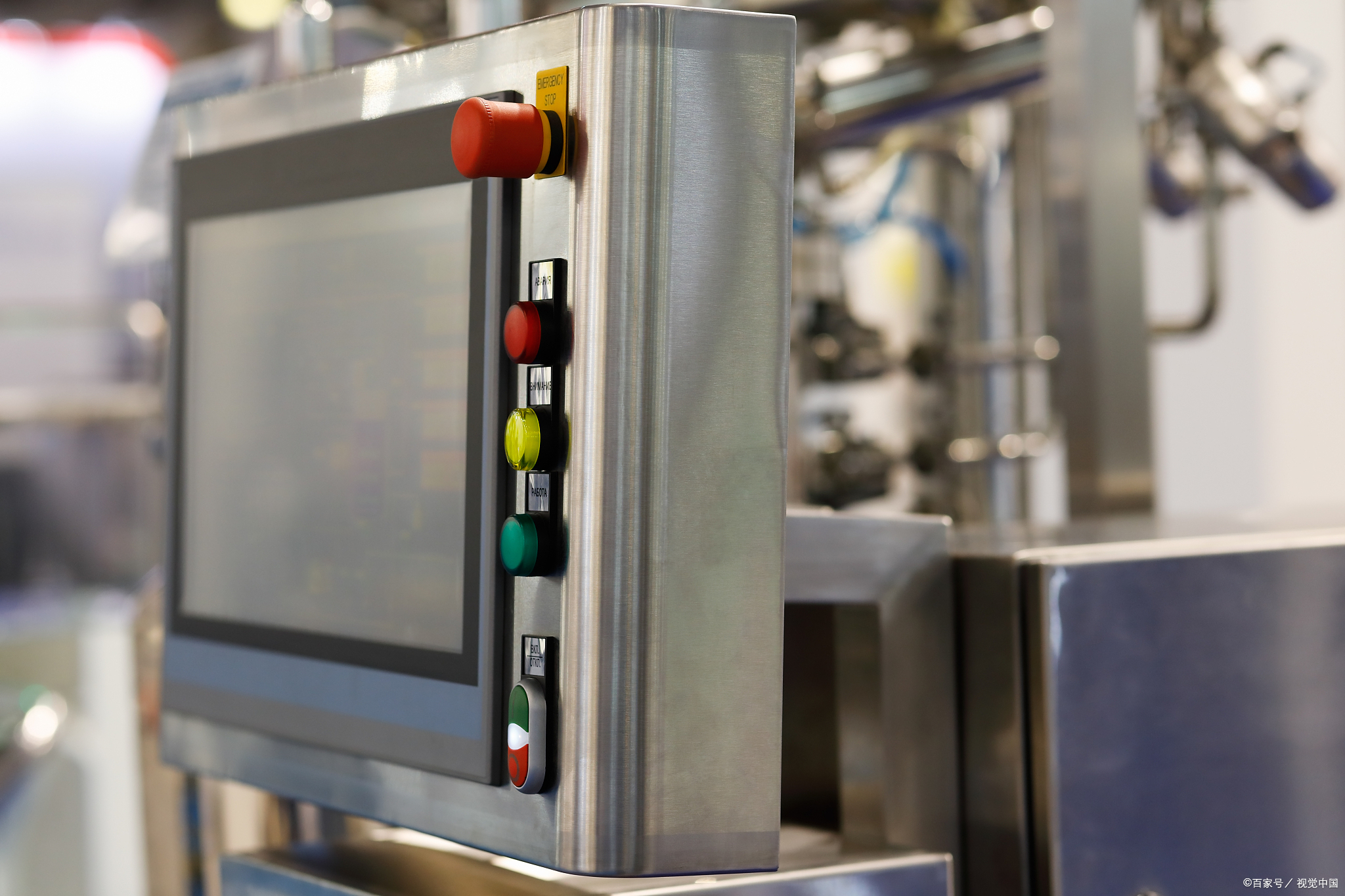
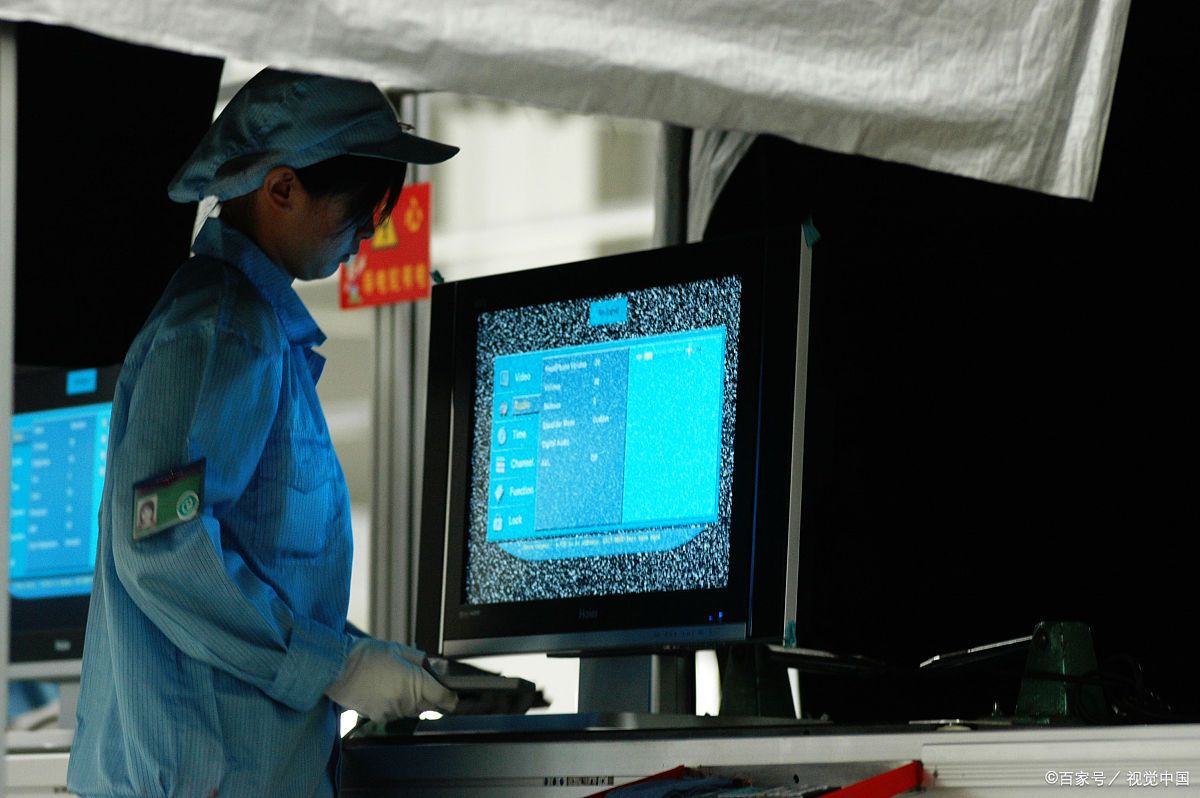
What problems can industrial displays encounter in high-temperature environments?
In high-temperature environments, such as smelters, glass factories, and hot outdoor weather, industrial displays may encounter these problems:
- Screen discoloration and image distortion:Industrial displays generally use LCD screens. High temperatures can affect the arrangement of liquid crystals, leading to screen color distortion, and even screen flickering or black screens.
- Display overheating and shortened lifespan:Industrial displays themselves generate heat. If the surrounding environment is also hot, the heat dissipation will be insufficient, accelerating the aging of internal components and shortening the lifespan.
- Touch screen malfunction:Touch screens may become less sensitive at high temperatures, especially capacitive screens. High temperatures can affect the working state of the touch chip, leading to slow response or false touches.
- Plastic parts aging and deformation:Prolonged exposure to high temperatures can cause the plastic parts of the industrial display, such as the casing and cables, to soften or even deform, affecting structural stability.
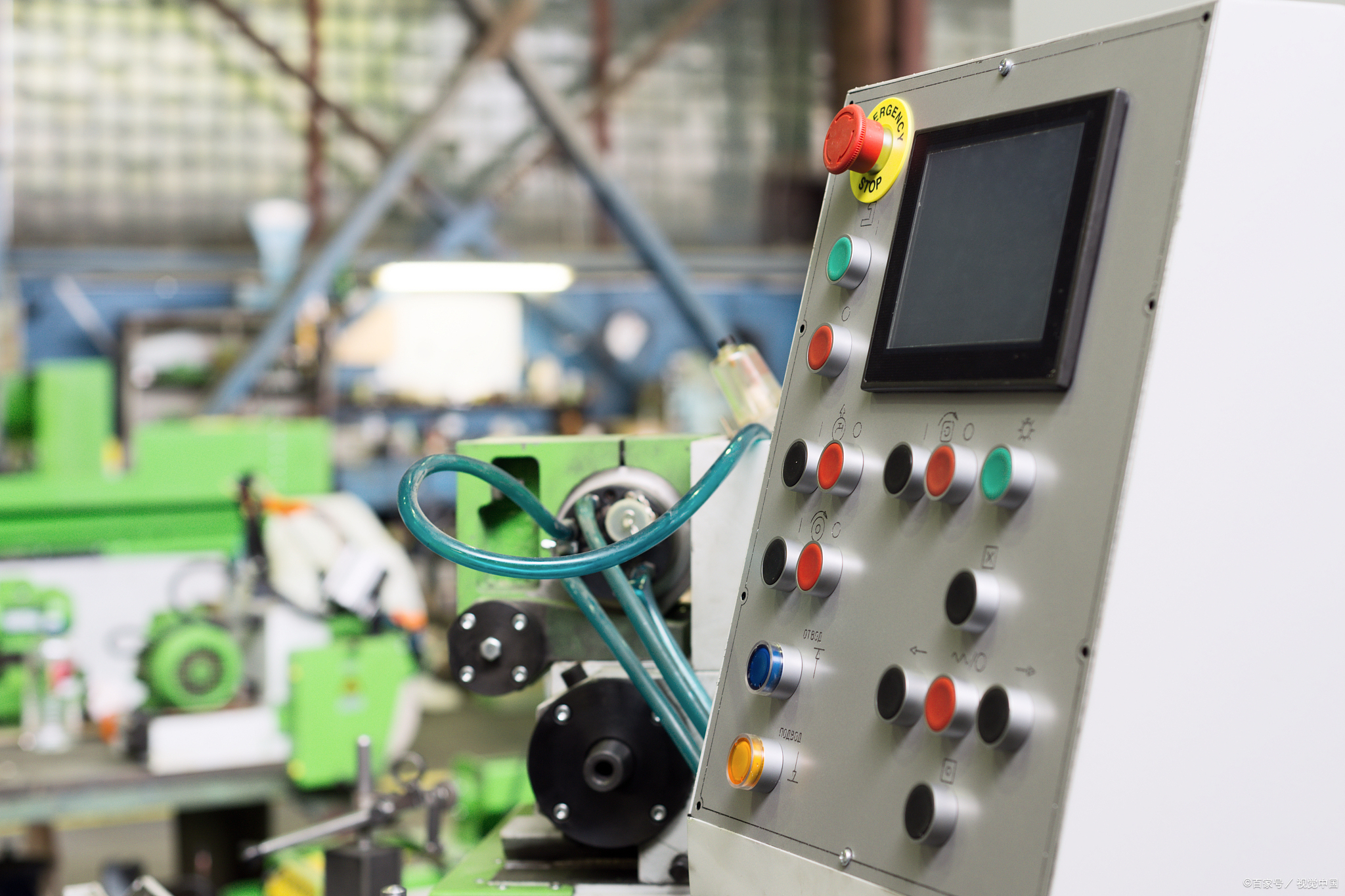
How to avoid problems caused by high temperatures?
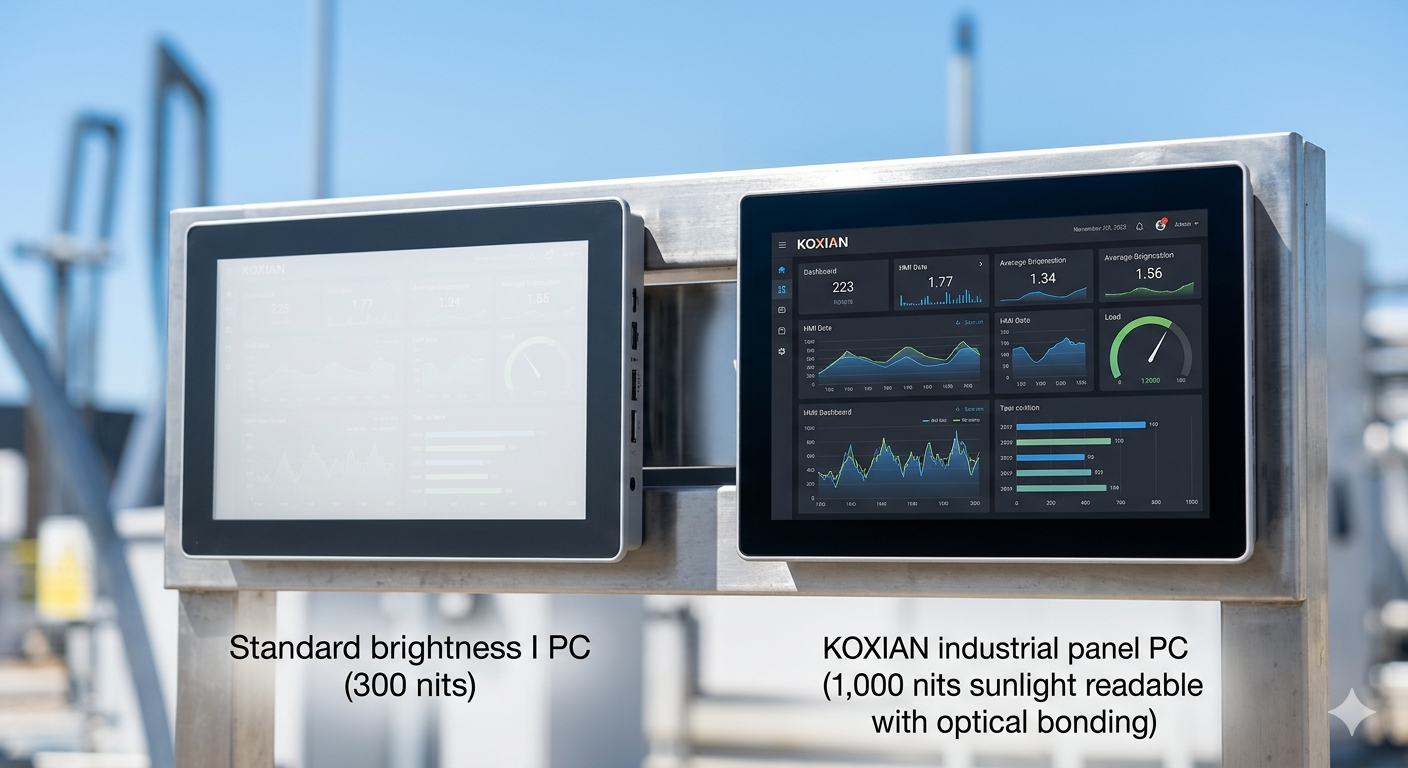
Choose industrial displays that can withstand high temperatures, such as models that can operate stably at 50℃ or even higher temperatures. Strengthen heat dissipation design, such as installing fans and heat sinks, or using aluminum alloy casings to improve heat dissipation efficiency. Avoid direct sunlight. If used outdoors, try to install a sunshade to reduce the screen’s direct exposure to high temperatures. Use industrial air conditioners or fans for cooling, especially in high-temperature workshops; cooling equipment can be added if necessary.
What problems can industrial displays encounter in low-temperature environments?
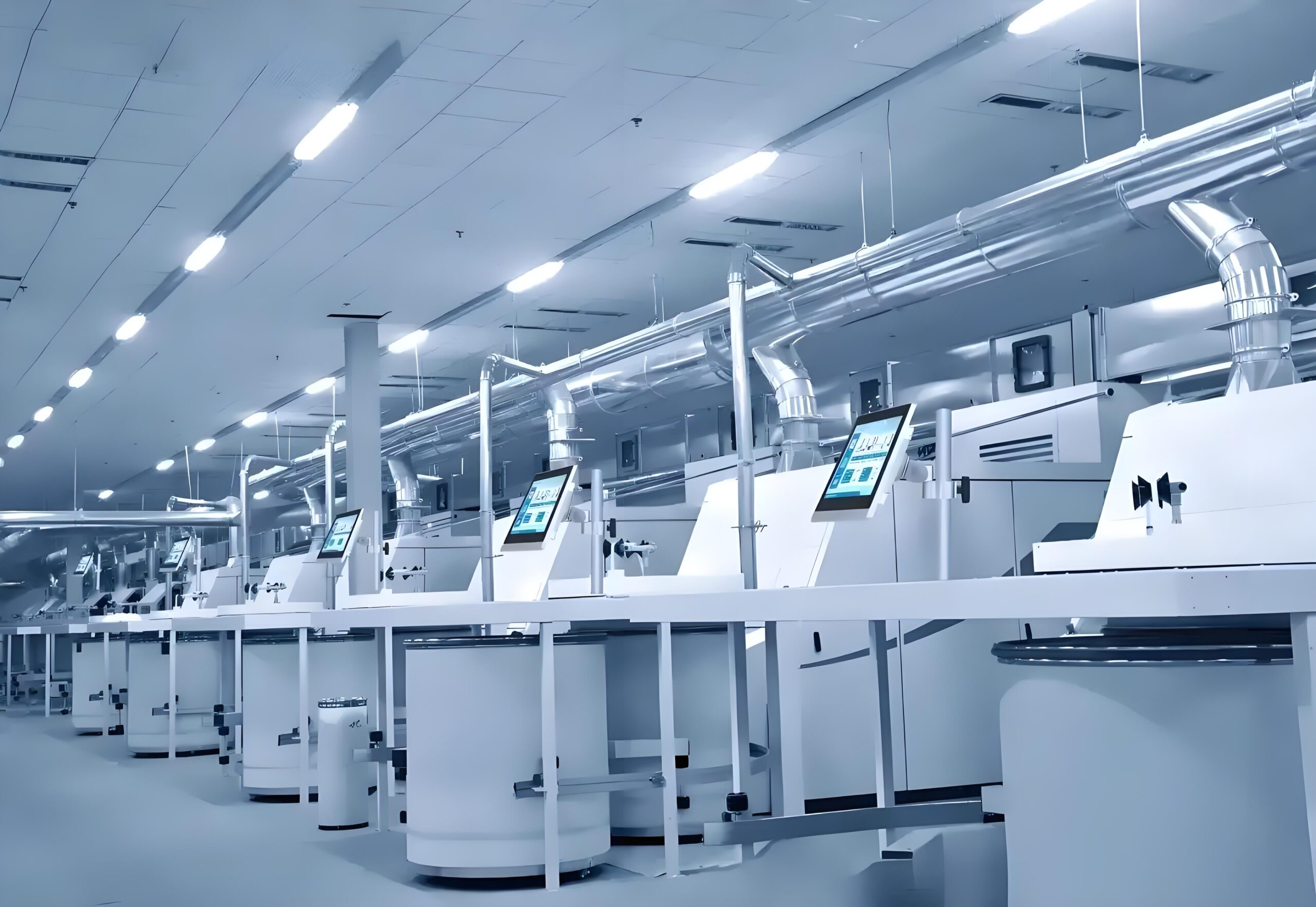
In low-temperature environments such as cold storage, outdoor winter conditions, and factories in northern regions, industrial displays may encounter these problems:
- Slow screen response:At low temperatures, the fluidity of liquid crystals decreases, which may result in image ghosting, stuttering, or even several seconds of delay before the screen displays an image after power-on.
- Touch screen malfunction:Low temperatures can affect the touch sensitivity of capacitive screens, or even render them completely inoperable, especially in sub-zero temperatures.
- Internal Components Damaged:Low temperatures can cause electrolytic capacitors to fail and even embrittle solder joints on the circuit board, leading to poor contact issues.
- Screen Frosting or Fogging:If the temperature is too low, frost or fog may form inside or on the surface of the display, affecting the display quality and potentially damaging the screen.
How to avoid problems caused by low temperatures?
Choose a wide-temperature industrial display, ideally one that supports low-temperature operation down to -20℃ or even -30℃. Heat the equipment, for example, by installing heating elements inside the display to prevent low temperatures from affecting performance. Avoid sudden temperature changes; for example, if a display is taken from a cold storage area, it’s best to place it in a buffer zone to allow the temperature to stabilize before turning it on, preventing condensation inside the screen. Use protective covers; in outdoor environments, use specialized cold-weather enclosures to reduce the impact of low temperatures on the display.
Summary: Choose the right equipment + proper protection, and you won’t have to worry about even extreme temperatures!
Whether high or low temperatures, their impact on industrial displays cannot be ignored. However, by choosing the right equipment, such as an industrial display that supports wide-temperature operation, and paying attention to heat dissipation, heating, and protection measures during use, you can greatly reduce temperature-related problems and ensure the long-term stable operation of the display. After all, in an industrial environment, equipment stability is paramount!